Automating Focus on iOS
 Mind the Focus — focus automation for your calendar
Focus on iPhone is powerful, until you forget to switch it on. Tie it to your events and stop managing focus by hand.

Since iOS 15, the iPhone operating system has offered a way to adjust its notification behavior to your needs. Through focus, iOS enables you to mute selected notifications during work or exercise, for example. With focus, you can also adjust other parts of iOS like the home screen setup, phone calls, and even the data displayed in apps through focus filters. Besides the predefined focuses, iOS also allows to define custom ones for more flexibility.
Existing means for automation
Apple emphasizes that focus follows a deliberate decision by the user. Thus, apps cannot activate a focus through an official API (think FocusKit) for you. Instead, you deliberately have to activate a focus. Still, there is wiggle room for automating focus. In the configuration of a focus mode, you can choose to activate the focus depending on a schedule or based on your location. Beyond, iOS offers to activate the focus for you just when you need it based on your past usage.
With Shortcuts, it is also possible to (de)activate a focus or schedule a focus until a certain date. You can even activate a focus until you leave a location or when a specific event ends. This only gets you so far, though. The more complex your use case gets, the more complex programming is required for the shortcut. Various people on Reddit have tried coming up with corresponding shortcuts but ultimately gave in.
Mind the Focus
As I was on the look to manage focus more conveniently on my iPhone, I stumbled upon the same frustrations as those redditors. Most importantly, I was baffled that Apple has not managed to come up with an integration of focus into their calendar app. For me, that’s the most obvious place in iOS where focus would excel.
While the lack of something like FocusKit is not a good prerequisite, I was determined to tackle this problem with an app. Mind the Focus was born — focus automation for your calendar. Based on the EKEventStore, the app synchronizes with your calendar and schedules the focus you want for upcoming events. Using a notification, Mind the Focus triggers an automation in Apple Shortcuts that activates the focus at the time of the event (or before). In addition, the app lets you choose a different focus per event, customize when it turns on and off, and ignore calendars that should stay out of the way.
Your Events
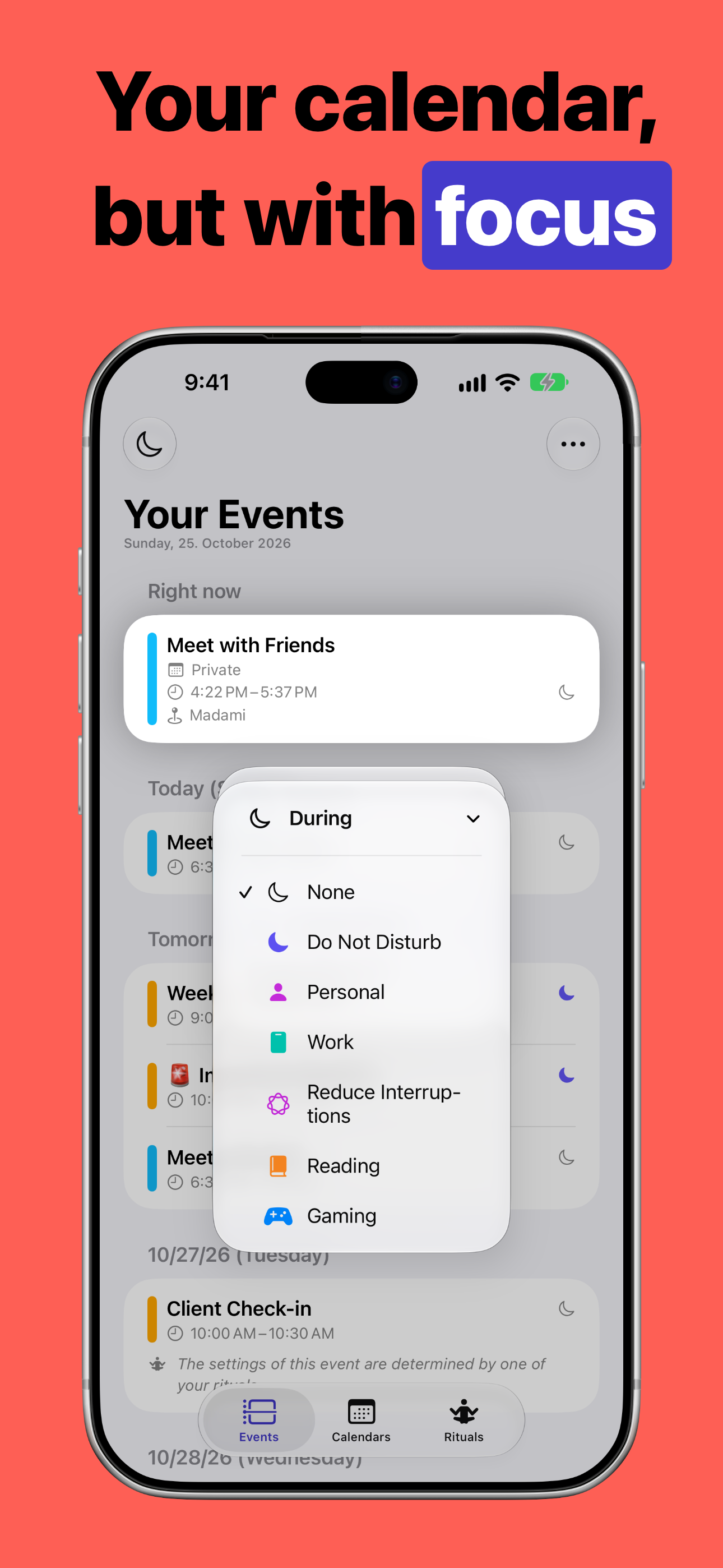
Your calendar, but with a focus assigned to each event
Upon opening Mind the Focus, you find a list of all the events from your calendars. For each event, you can choose which focus should apply during the event and, optionally, which one should follow afterward. Mute events that do not need a focus and pick which calendars the app should watch. You can also adjust how early the lead-up runs and how long focus stays on after an event ends.
Rituals
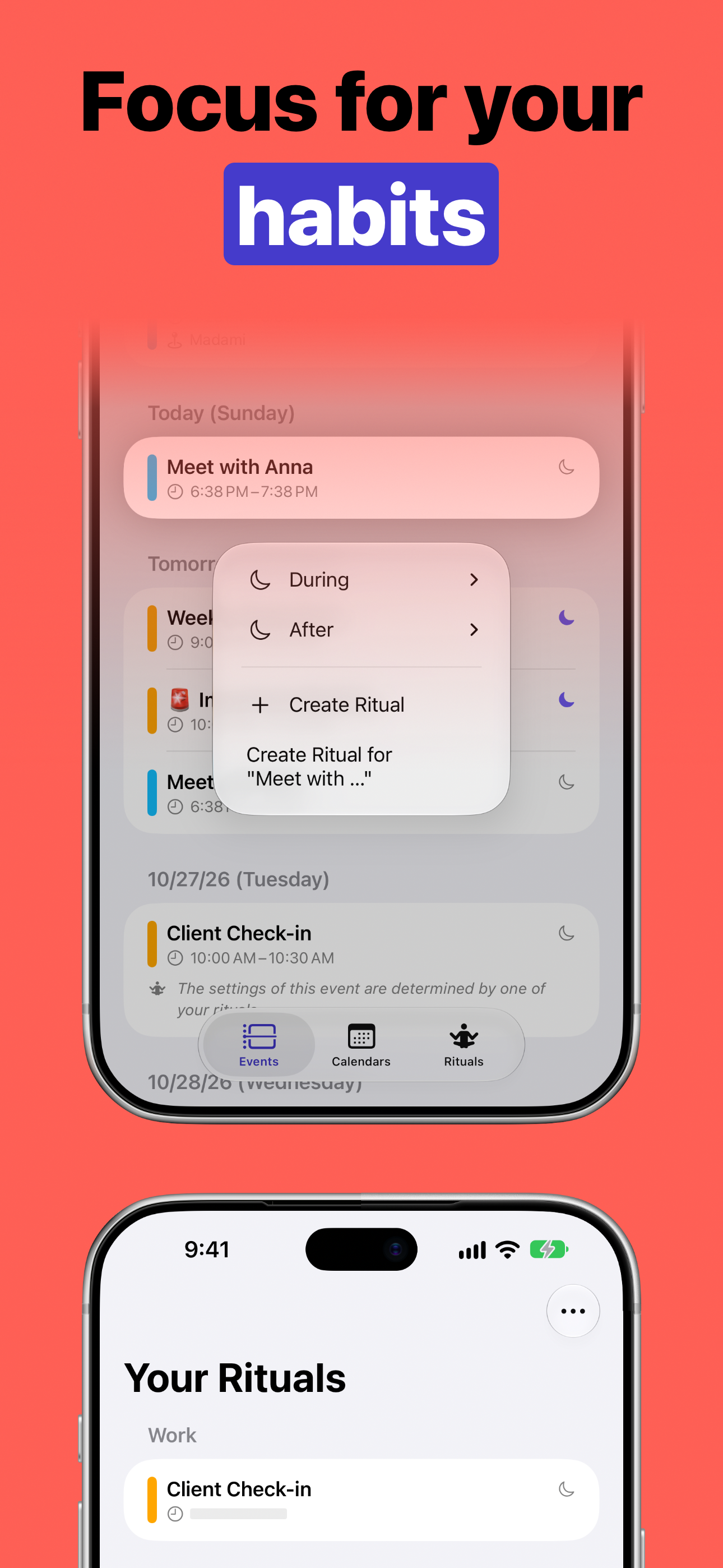
Focus for your habits: rituals apply the right focus to recurring moments
Rituals are suggested when events on the same calendar share a title or a common phrase. Accept a suggested ritual or create your own, so recurring meetings, workouts, or evening plans get the right focus automatically without configuring every occurrence by hand.
Everywhere you already work
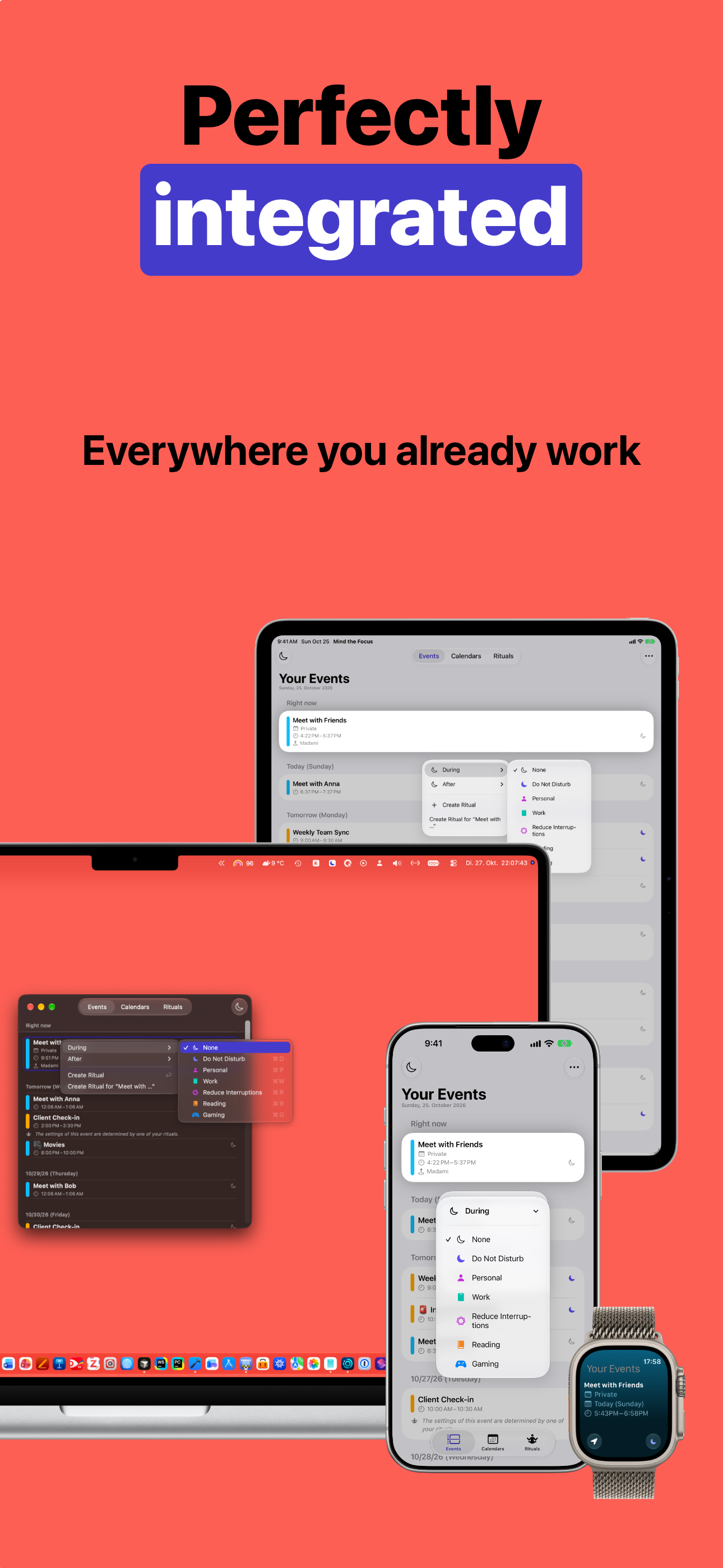
Perfectly integrated: on iPhone, iPad, Mac, and Apple Watch
Mind the Focus is available on iPhone, iPad, Apple Watch, and Mac, so the same events and rituals follow you across the devices you already use. No separate account is required; your setup stays with you through iCloud.
Roadmap
While the current state of the app already covers a lot, there are more features planned for future versions of Mind the Focus:
- Add a live activity during events
- Adapt the focus and its duration dynamically during an event
- Modify multiple events concurrently
- Hide event invitations that you have not accepted, yet
Since these are only some of the features that I have in mind for the app, feel free to reach out to me if you have other ideas for features. You can also shoot me a message if you have any questions regarding Mind the Focus or encountered some bug while using the app.